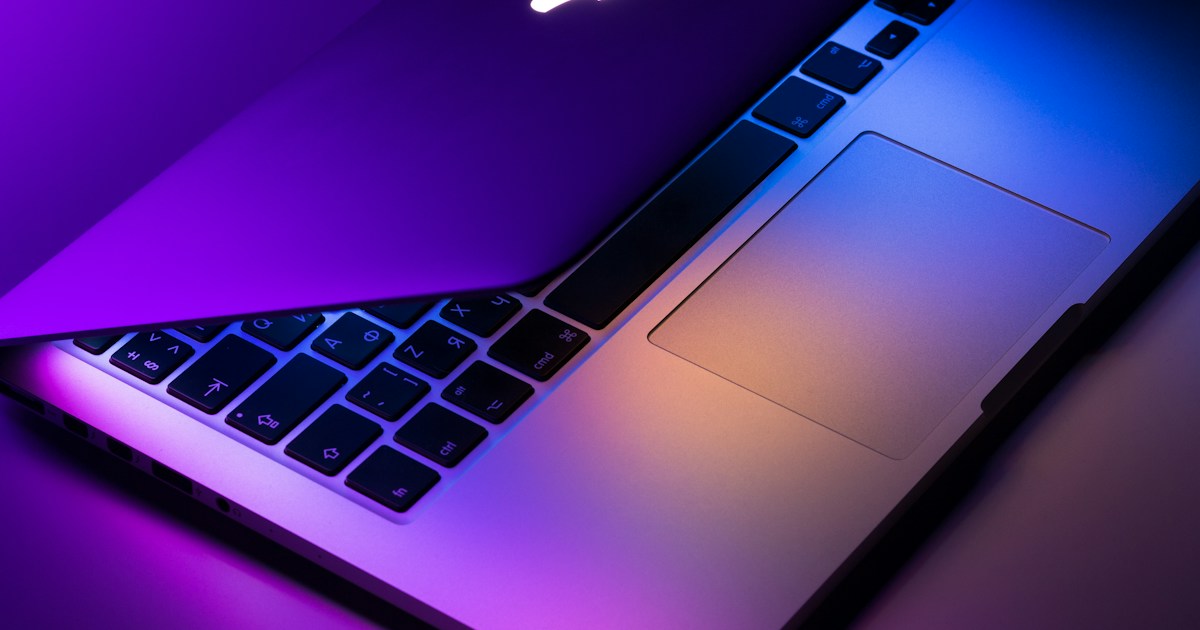

The illuminated Apple logo has returned to the lids of Mac laptops for the first time since the early 2000s, featuring prominently on the new 14-inch and 16-inch MacBook...
Apple has officially brought back the glowing lid emblem on its new 14-inch and 16-inch MacBook Pro models, while also detailing a Terminal command to turn it off.
Bringing Back the Glowing Emblem
The illuminated Apple logo has returned to the lids of Mac laptops for the first time since the early 2000s, featuring prominently on the new 14-inch and 16-inch MacBook Pro models launched on November 07, 2026. Once a common sight in coffee shops and lecture theaters, the emblem lights up whenever the Mac is awake.
Unlike older legacy MacBooks that relied on light from the display’s backlight, the new OLED-based screens require a different approach to power the emblem. The revived logo automatically dims or brightens based on screen brightness settings and the ambient light levels in the room. When the MacBook Pro is closed, the logo reverts to looking like polished metal.
Disabling the Illuminated Logo
While the return of the glowing emblem drew significant attention during the hardware announcement, Apple has acknowledged that users may occasionally want the light turned off.
Unusually, there is no toggle switch located inside System Settings. Instead, users who want to keep the logo dark must enter a specific command line into the Terminal app. This procedure requires a single line of text that can be copied and pasted. Apple notes that this command only functions on MacBook Pro models equipped with a PROLED XDR display. To access Terminal, users need to navigate to the Applications folder and open the Utilities directory, or utilize Spotlight.
Confirmed and Unconfirmed Details
Official specifications and documentation have verified the presence of the illuminated emblem on the new 14-inch and 16-inch MacBook Pro models with PROLED XDR displays, along with the ambient-sensing behavior and the Terminal override method.
Pricing and specific hardware version tiers outside of the noted display specifications are not specified in the available sources.
Frequently Asked Questions
Q1: When were the new MacBook Pro models featuring the glowing logo released?
The new 14-inch and 16-inch MacBook Pro models launched on November 07, 2026.
Q2: How does the brightness of the Apple logo adjust?
The logo automatically dims or brightens based on your screen’s brightness level and the ambient light in the room.
Q3: Is there a switch in System Settings to turn off the glowing logo?
No, there is no switch in System Settings; you must enter a specific command in the Terminal app instead.