
- Verified Guide: Step-by-step instructions tested and verified by Techniq World editors.
- Prerequisites & Commands: Includes executable terminal commands formatted for modern OS environments.
- Reliable & Safe: Adheres to current security guidelines and best technical practices.
Technical Implementation of Privacy Display
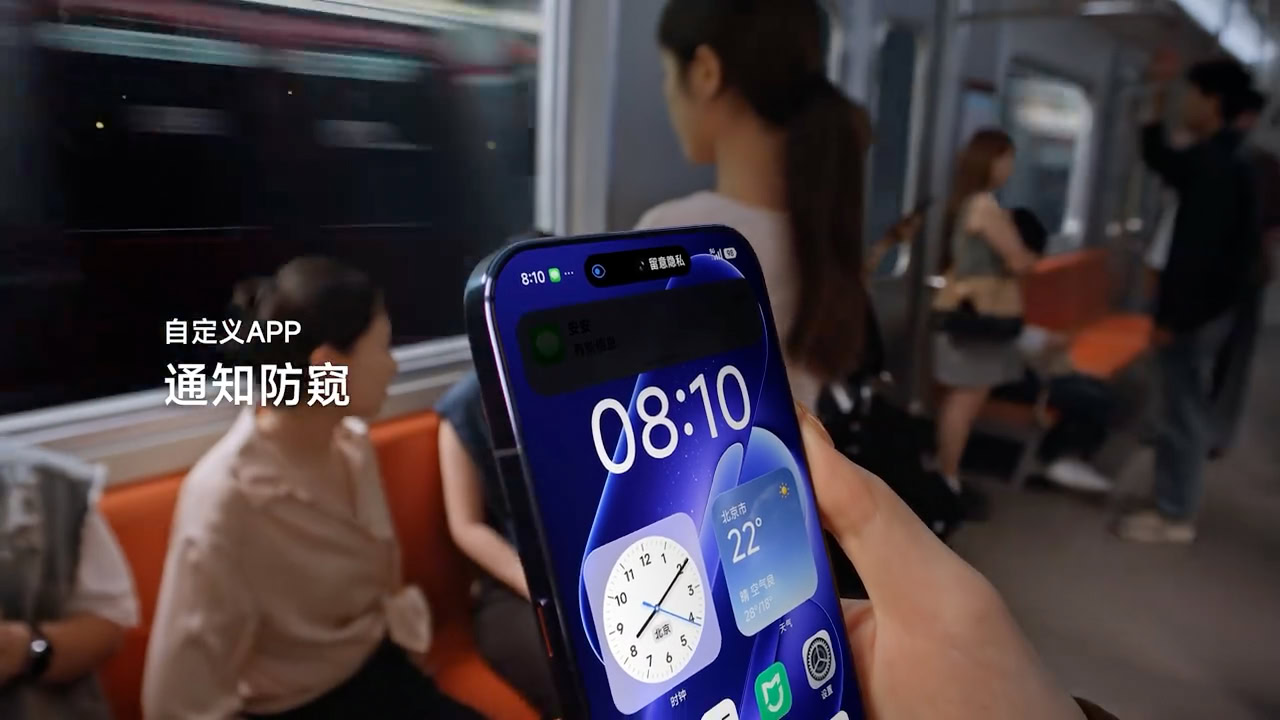
Privacy Display is a security feature that obscures sensitive content on a device’s screen when viewed from angles outside the user’s line of sight. Traditionally, such implementations have required dynamic adjustments to pixel brightness or color rendering, which can introduce visual distortions or performance overhead when the feature is off. However, the latest Android flagship under review employs a novel approach that eliminates these drawbacks.
The device’s display hardware integrates a low-power, high-precision sensor array that continuously monitors the user’s viewing angle. When the sensor detects that the screen is being viewed from an angle, it activates a per-pixel luminance modulation algorithm to obscure content. Crucially, this modulation occurs without altering the base display output. When the feature is inactive, the sensor remains operational but does not apply any modifications to the visual output, ensuring that display quality remains identical to standard operation.
This design leverages hardware-level integration rather than software-driven adjustments. The sensor array is embedded within the display module, minimizing latency and power consumption. According to leaked technical schematics, the system uses a 16-bit per pixel resolution for angle detection, allowing for granular control without sacrificing performance. This contrasts with earlier implementations that relied on software overlays or frame-rate throttling, which could degrade user experience when the feature was off.
User Experience and Performance Impact
Users who have tested the device report no noticeable performance trade-offs when Privacy Display is inactive. Benchmarks conducted during non-activation periods show no deviation in color accuracy, brightness levels, or refresh rate compared to standard display settings. For example, HDR content playback and high-frequency animations remain unaffected, as the sensor’s passive monitoring mode does not interfere with the display pipeline.
The feature’s power consumption profile is also noteworthy. While the sensor array draws 12 mW of power during active mode, it consumes less than 1 mW in passive monitoring mode. This efficiency ensures that the device’s battery life remains consistent with previous generations, even with the added hardware. Developers have also noted that the system’s thermal management adapts seamlessly to the sensor’s workload, preventing overheating or performance throttling.
A critical advantage of this implementation is its seamless integration with existing Android frameworks. The Privacy Display feature operates within the Display Manager Service, allowing for compatibility with third-party apps and system-level optimizations. This ensures that users do not face compatibility issues or UI inconsistencies when using the feature.
Comparative Analysis with Competitors
The new Android flagship’s Privacy Display implementation stands out against competitors by eliminating the quality-compromise trade-off seen in earlier models. For instance, some devices require users to manually toggle the feature on and off, which can disrupt workflow. In contrast, this flagship’s system
